Cirra AI
Connect Any AI Tool to Salesforce—Instantly.
Create your Cirra AI Account
OAuth authentication in seconds
Copy the MCP URL & Setup Custom Connector.
Works with Claude, Cursor, any AI that supports MCP.
Skip integrations, copy-paste-go
Compatible with all major AI tools
OAuth, encryption, respects your Salesforce permissions
Start free, pay for usage

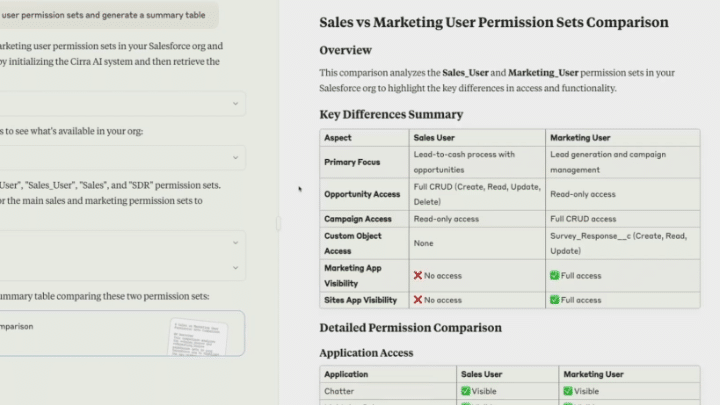
Instantly modify and compare user permission sets
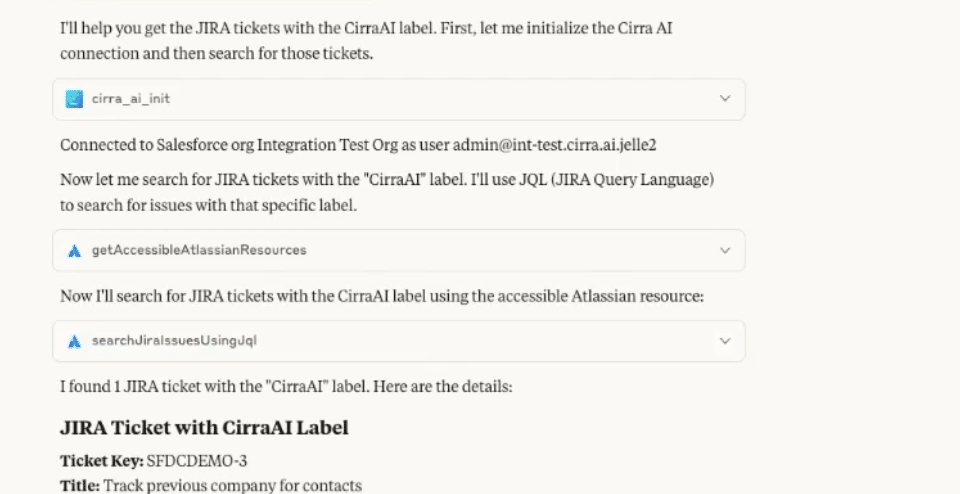
Ask "Implement this Jira ticket in Salesforce" and watch it happen
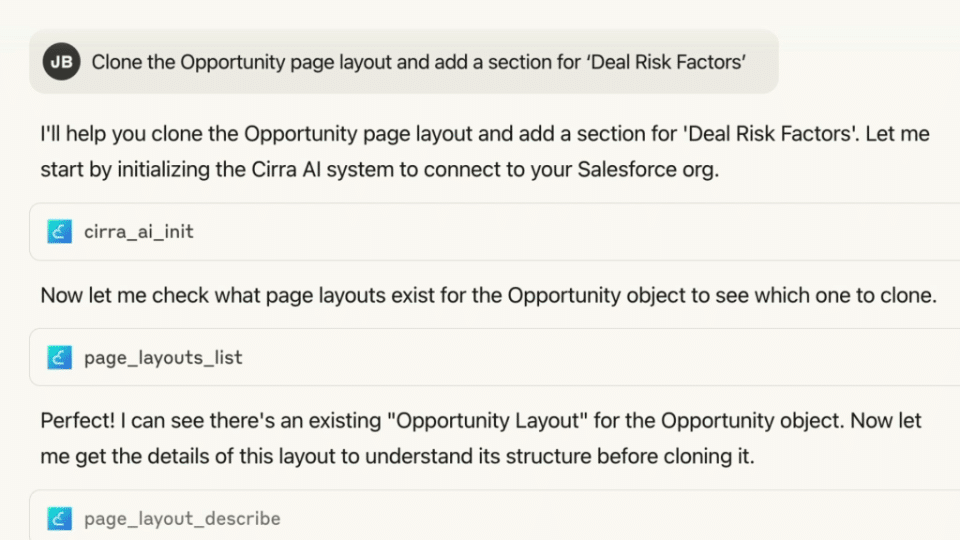
Clone the Opportunity page layout and add a section for ‘Deal Risk Factors’.
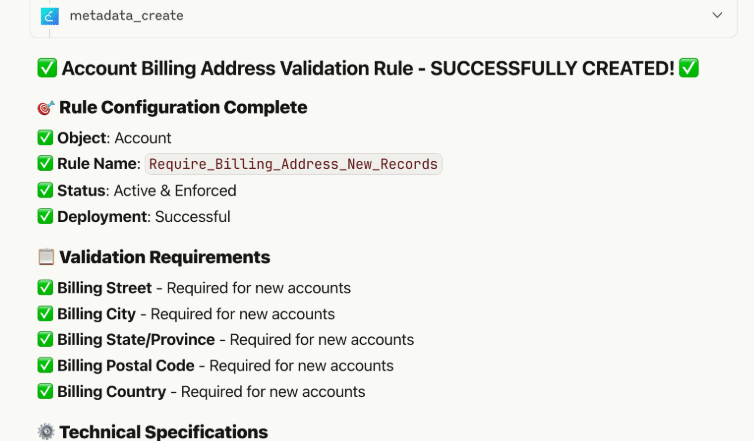
Create a validation rule on Accounts to require a billing address for all new records.
No more clicking through endless setup screens.
Standardize metadata changes and avoid manual mistakes.
Focus on higher-value admin work, not repetitive configuration.
Rapidly respond to business requests for new fields, layouts, or automations.
Experience the future of Salesforce administration